Rules and setup
Add a rule with a name and a same-site path. On Setup, list safe routes and turn the paywall on.
How-to guide →Wix App · Paywall
Choose the pages that should ask visitors to become members. Signed-in members stay on the page. The overlay does not lock the content underneath.
What’s new →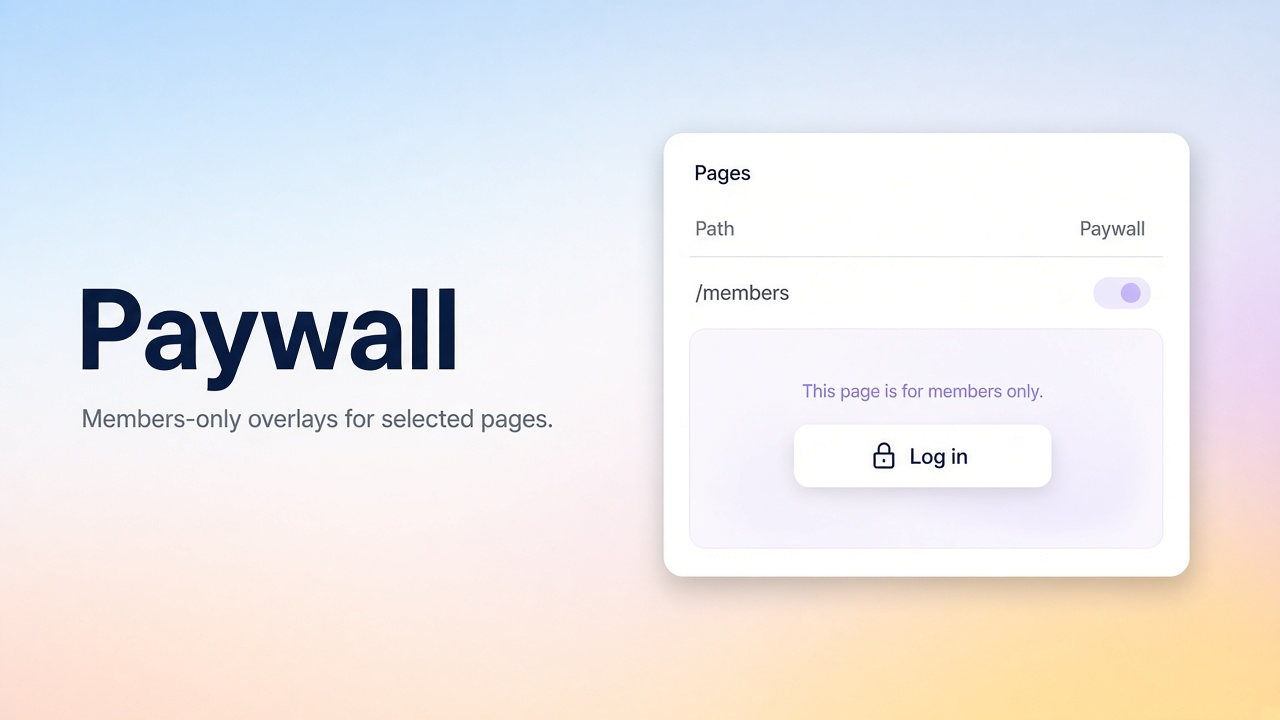
What it ships
Add these from the app. They do not replace Wix Members sign-up. Deep dives live in Docs and the Blog.
Add a rule with a name and a same-site path. On Setup, list safe routes and turn the paywall on.
How-to guide →An exact rule covers one path. A prefix rule covers that path and everything under it. Exclusions can leave a path open.
How-to guide →An essential body script carries the saved rules. It shows the overlay only when an enabled rule matches.
How-to guide →The overlay does not replace page permissions. Login, signup, checkout, and other safe routes stay open.
How-to guide →Setup
Add Paywall on a site that uses Wix Members.
Open Paywall in the dashboard, add a page rule, then enable the paywall on Setup and save.
Publish the site. Visitors on a matching path see the overlay. Signed-in members do not.
FAQ
A dashboard Paywall page and an essential embedded script. There are no widgets to place on the canvas.
No. It covers the page for visitors who are not members. It does not replace Wix page permissions or hide the content from someone who bypasses the script.
After you enable the paywall and publish. A visitor who is not a signed-in member sees it only when an enabled rule matches the path.
Put login, signup, recovery, plan, checkout, confirmation, and error paths in Safe routes so a rule cannot trap members there.
Feedback
Worked, didn't work, or missing entirely — we read every submission.