Steps
- Prepare a collection (featured posts, testimonials, products).
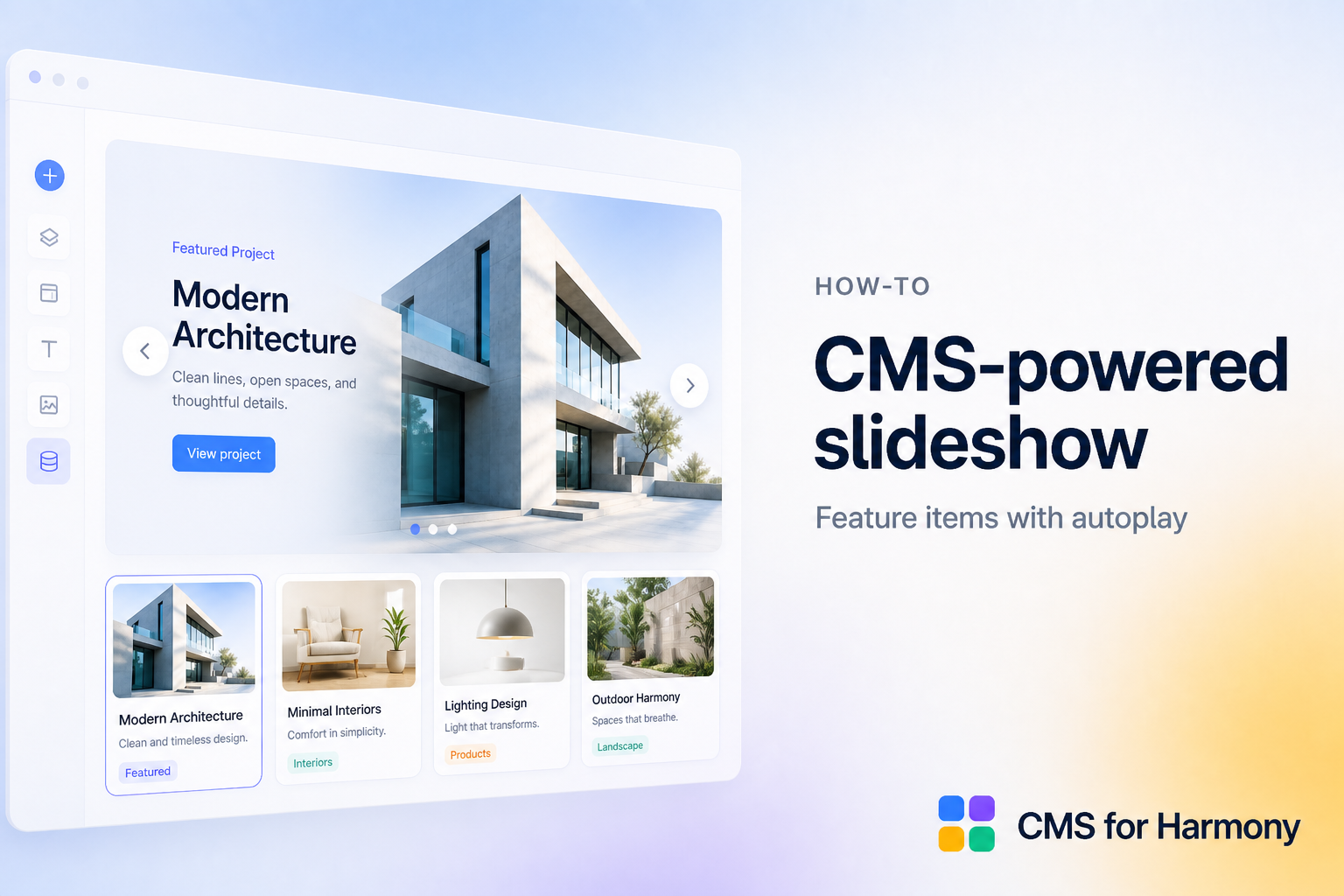
- Add the Slideshow widget from CMS for Harmony.
- Connect the collection and choose fields for each slide.
- Configure navigation, pagination, and autoplay.
- On mobile, review swipe and pause-autoplay settings.
- Optionally open the item Dynamic Page on image click.
- Publish.
Docs: Slideshow.