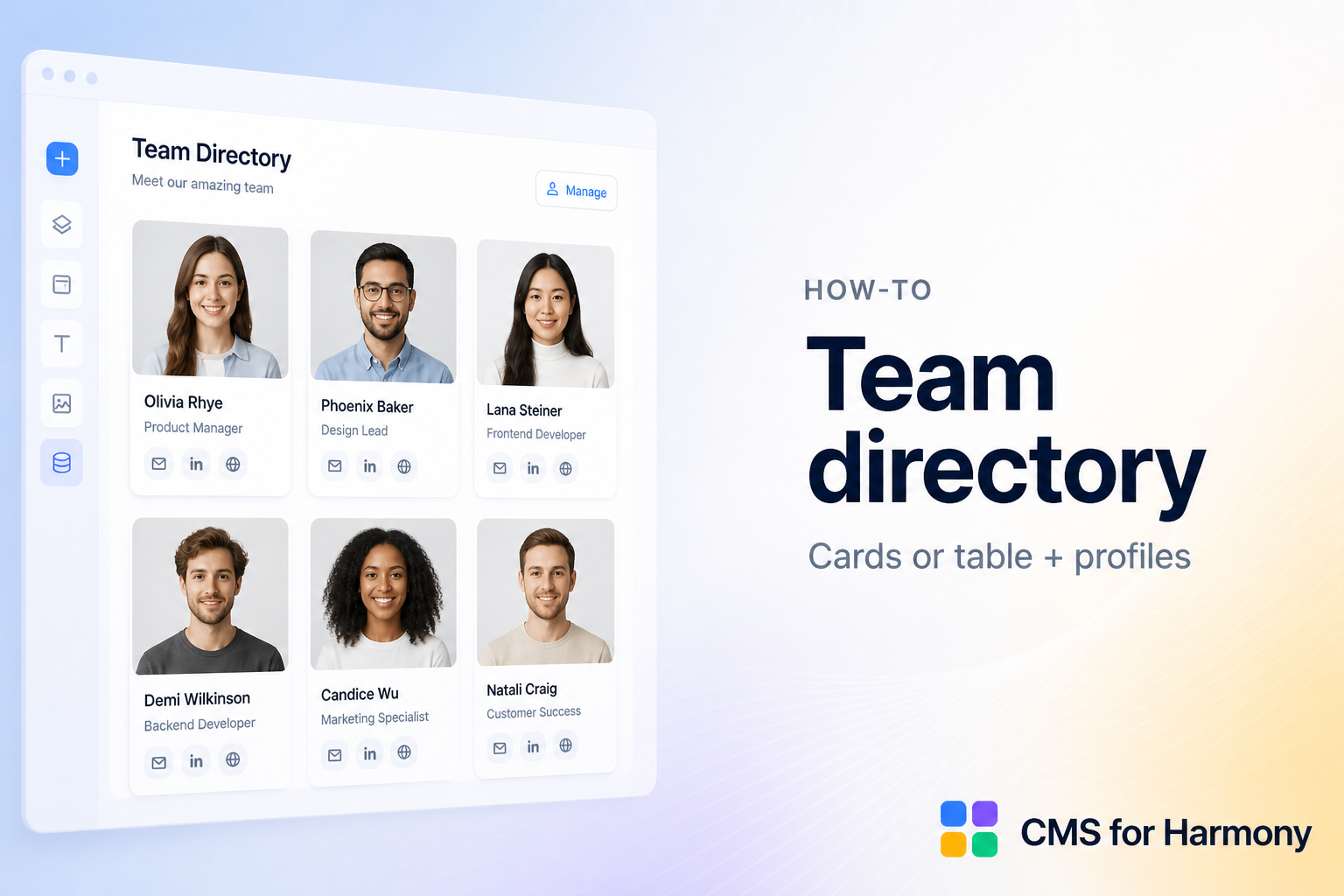
A team directory is one of the clearest CMS use cases: many similar people, shared fields, occasional updates.
1. Model the collection
Create a Team collection with fields such as Name, Role, Photo, Bio, and optional Department.
2. Choose a display
- Repeater — card grid or list (most common for directories)
- Table — dense staff list with search
Add the widget, connect Team, and map fields.
3. Optional profile pages
Add a native collection page (More actions → Add collection page), put Dynamic Page on it, and link cards or rows to each person’s URL.
4. Help visitors find people
Enable search and filters on Repeater or Table (for example by department).
5. Keep content fresh
Editors update the CMS; the directory stays in sync — no redesign for each hire.
See Repeater and Dynamic pages.