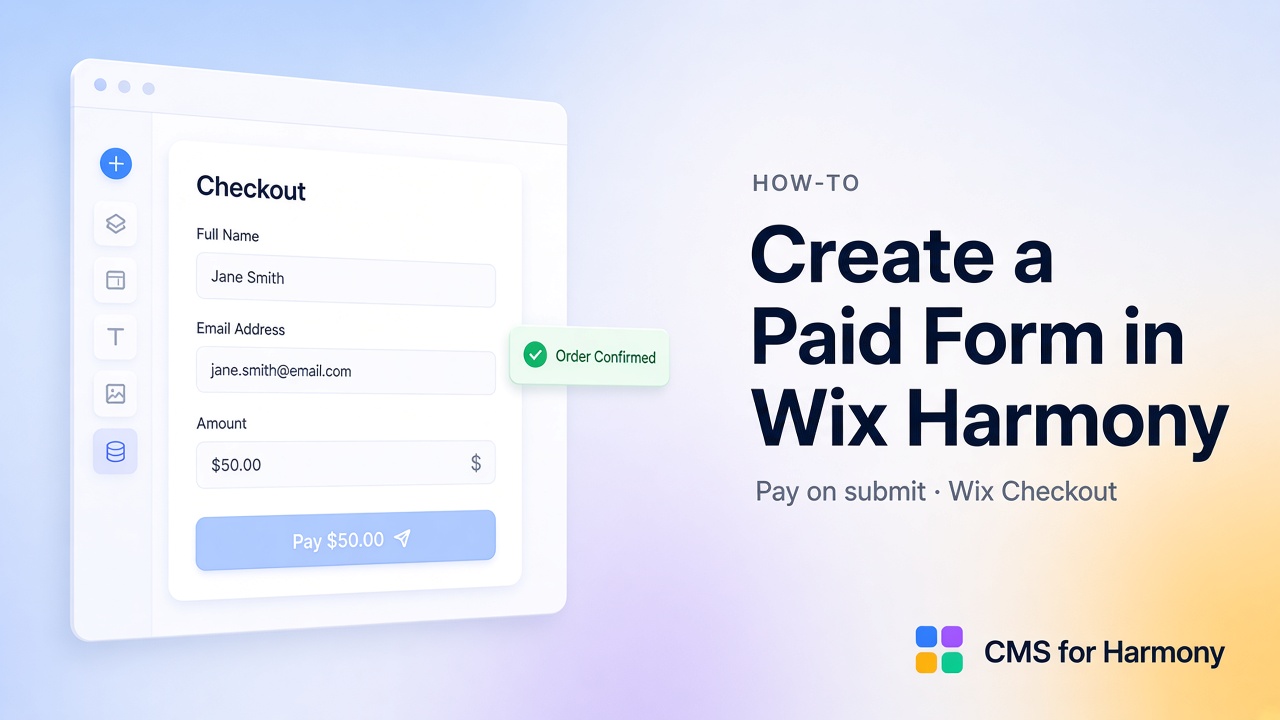
A paid form in Wix Harmony collects a visitor submission into a CMS collection and charges a fixed or visitor-entered amount via Wix Checkout when they submit. In CMS for Harmony, turn on Form Enable payments (Pro). This is pay-on-submit—not catalog Add to cart / Buy now on displays. The Form is an app widget; it does not bind native Harmony Text/Image/Button fields.
Paid form vs catalog payments
| Form pay-on-submit | Catalog payments | |
|---|---|---|
| Trigger | Form submit | Add to cart / Buy now on displays |
| Amount | Fixed or visitor enters | Per CMS item Price field |
| Best for | Fees, deposits, donations, applications | Product/service catalogs from collections |
| Widgets | Form only | Repeater, Table, Dynamic Page, Media Gallery, Slideshow |
Catalog guide: Sell CMS items through Wix Checkout.
Requirements
- Pro plan
- Form connected to a Wix CMS collection (not Google Sheets—Form does not support External Database)
- Checkout testing on the live site
- Enabling payments may install Wix Stores if needed for checkout
Step 1 — Add the Form and collection
- Create or pick a collection for submissions (Leads, Applications, RSVPs, Donations).
- Add the Form widget; connect the collection.
- Choose fields and labels (text, dropdowns, phone, Color, Date/Time, image, video, Media Gallery multi-upload, and so on).
Step 2 — Enable payments on the Form
- Open Payments in the Form panel.
- Turn on Enable payments (Pro).
- Set Item name (line item in checkout).
- Choose Price: Fixed amount or Visitor enters amount (adds a required Amount field on the live form).
- Set the pay button Label.
- Under Save to submission, use Add fields (or map manually) for Order ID, Total paid, and Payment status—filled after successful checkout.
- Publish and test on the live site.
Without Pro, the payments toggle stays off with an upgrade prompt.
Step 3 — What happens on submit
- Submission is saved to the collection.
- Wix Checkout opens for the configured amount.
- On success, order fields write back to the submission (Order ID, Total paid, Payment status).
Use cases
| Use case | Price mode |
|---|---|
| Application or processing fee | Fixed amount |
| Deposit / booking fee | Fixed amount |
| Donation or “pay what you want” | Visitor enters amount |
| Workshop registration fee | Fixed amount |
Limitations
- Not Add to cart for catalog line items—use catalog payments for that.
- Form cannot use Google Sheets as the submission store.
- Payment checkout runs on the live site.
- App widget only—not native Harmony form field binding via this app.
FAQ
Can I create a paid form on Wix Harmony?
Yes—with CMS for Harmony Form Enable payments on Pro and Wix Checkout.
Can visitors choose how much to pay?
Yes—set Price to Visitor enters amount.
Is this the same as selling CMS products?
No. Product grids use catalog Enable payments on displays; paid forms charge on submit.
Related reading
- Form widget · Catalog payments
- How to collect form submissions to CMS
- Wix Forms / payments overview (Wix Help Center — contrast with app Form widget)
- Accepting payments with Wix