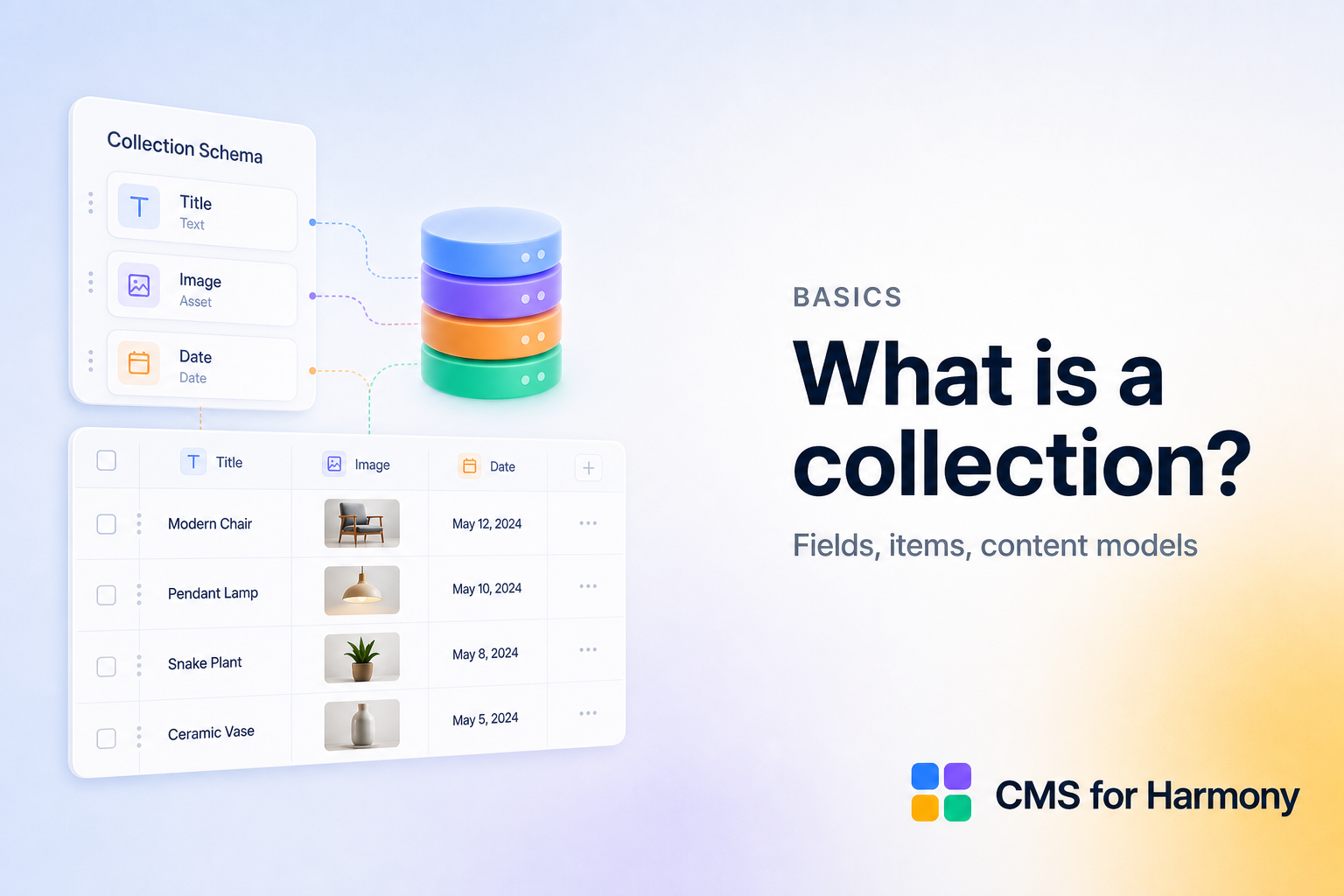
A CMS collection is a structured list of similar content items — like a spreadsheet with typed columns, permissions, and connections to your live site.
Anatomy
| Concept | Example |
|---|---|
| Collection | Team |
| Fields | Name, Role, Photo, Bio |
| Item | One row — “Alex, Designer” |
Good models stay focused. A “Team” collection should not also store blog posts; create another collection instead.
Field types you will use often
Text, rich text, image, media gallery, number, date/datetime, boolean, and references depending on platform. Phone and gallery uploads matter for forms.
Collections power displays
Once the model exists, widgets query it:
- Table — columns
- Repeater — cards/grids
- Calendar — date fields
- Dynamic Page — one item per URL
- Form — writes new items