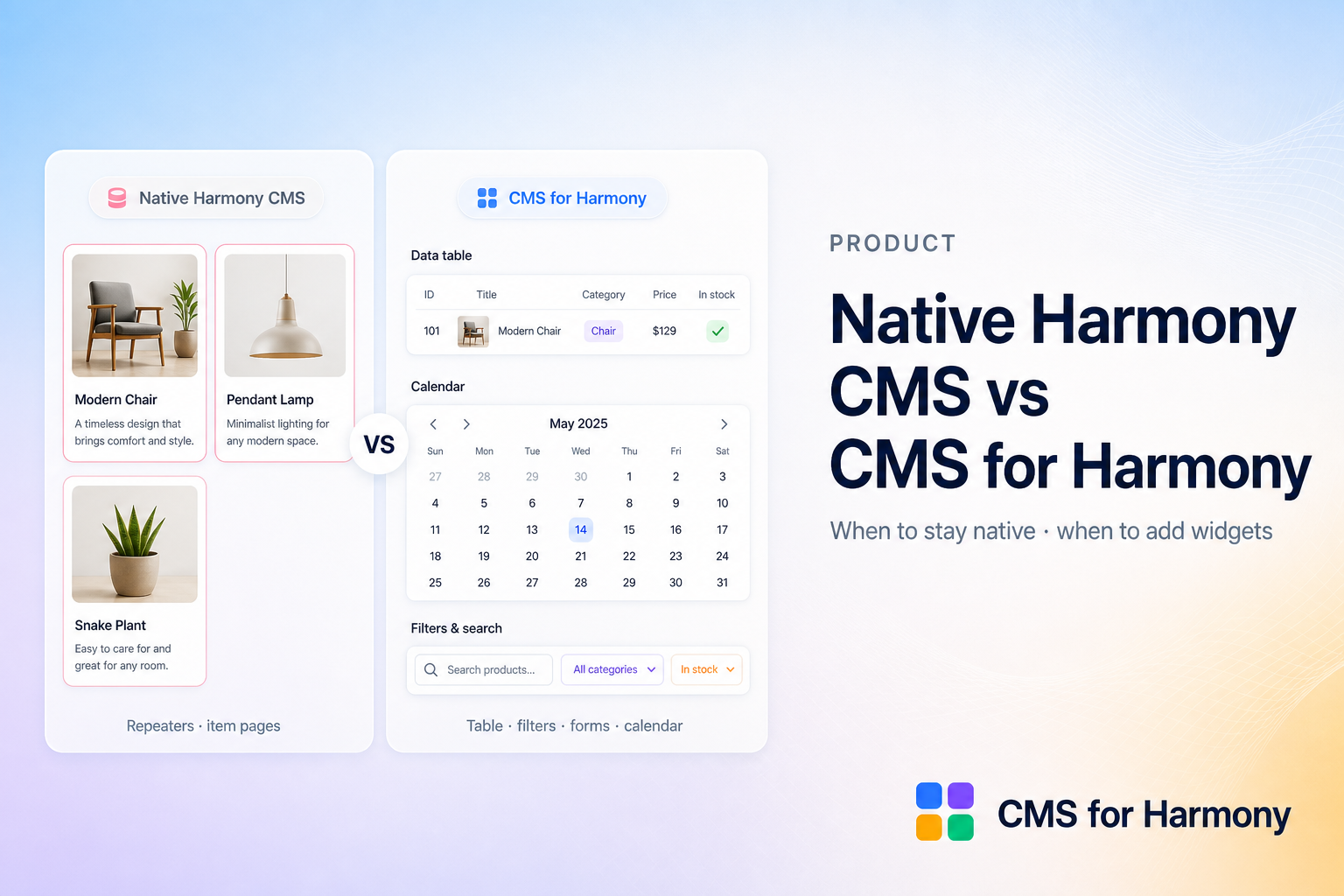
Wix Harmony ships a built-in CMS that connects design to collections without datasets. Wix’s own overview explains how that model works — and where it differs from Classic and Studio.
CMS for Harmony is a separate App Market app. It does not bind native Text, Image, or Button elements to CMS fields. It adds app widgets (Table, Repeater, Slideshow, Media Gallery, Calendar, Dynamic Page, and Form) when you need layouts and visitor tools the native path does not cover yet.
Use this guide to decide when native is enough and when the app fills a gap.
What native Harmony CMS does well
Per Wix’s Harmony CMS model:
- No datasets — connect a native Repeater straight to a collection; fields map to Text, images, and buttons in the item
- Linked vs static cues — pink for CMS-bound elements, blue for static chrome
- Manage items in the editor — add, edit, filter, and sort items without leaving the canvas
- Item pages — each collection item can get its own URL (slug), replacing the older “dynamic item page” setup
- Zero install for the basics — CMS appears when you add something that uses it (for example a connected Repeater)
If you need a simple card grid of text and images from one collection, native Harmony is often the right first step.
Where native Harmony CMS is limited today
Wix documents several Classic/Studio patterns that work differently — or are missing — in Harmony:
| Need | Native Harmony CMS (today) | CMS for Harmony |
|---|---|---|
| Visitor search & filters on one list | No visitor filter inputs; use separate Repeaters each with their own editor-side filter | Table, Repeater, and Calendar with match conditions, ranges, fixed Choose-value filters, top or side layout |
| Dense inventory / directory | Repeater cards only | Table widget with columns, sort, and filters |
| Month/week events | Not a calendar layout | Calendar from DATE / DATETIME fields |
| Media galleries | Gallery field type not in Harmony collections | Media Gallery widget + gallery fields on displays and forms |
| Reference / multi-reference fields | Not included in Harmony field types | Show and filter related items; pick a Display field for labels |
| Address & Color display | Limited field set / no specialized layouts | Address as text or map; Color as swatch, hex, or both |
| Collect into a collection | CMS links are display-only; use Wix Forms for capture | Form widget writes into a connected collection (text, phone, Color, images, galleries) |
| Item detail layouts | Item pages with native elements | Dynamic Page widget on a native collection page, with optional per-item SEO mapping |
| Classic & Studio sites | Harmony-specific CMS model | Same app widgets on Classic, Studio, and Harmony |
Other native notes from Wix: no sandbox (saved collection changes affect live content unless you filter them out), collection order does not automatically drive the site (sort in Manage items), and Wix app collections (for example Stores) do not connect to Harmony Repeaters the same way.
How the two fit together
They are complementary, not competitors for the same binding model:
- Native owns design-system Repeaters and item pages when Text/Image/Button binding is enough.
- CMS for Harmony owns app widgets when you need tables, calendars, visitor filters, collection-backed forms, richer field types in the display, or the same toolkit outside Harmony.
“Cards” in our product means a Repeater layout — not a separate widget and not a claim that we replace Harmony’s native Repeater.
When to stay native
- Small lists of simple text and images
- You want pink/blue linked design elements inside a Harmony Repeater
- Item pages built from native elements are enough
- You do not need visitor-driven filtering on the live site
When to add CMS for Harmony
- Visitors must search and filter one display (real estate, directories, catalogs)
- You need a table, calendar, slideshow, or media gallery layout
- You want forms that save into CMS (leads, applications, RSVPs) with fields like phone, Color, or image upload
- Your content uses references, addresses, colors, or galleries that you need to show clearly
- You build on Classic or Studio as well as Harmony and want one app toolkit
Quick start with the app
- Install CMS for Harmony from the App Market.
- Add a widget (start with Repeater or Table).
- Connect a collection and publish.
- Add search & filters, a Form, or Dynamic Pages when the site needs them.
Related reading
- Wix Harmony Editor: What’s new with the CMS (Wix Help Center)
- FAQ — including Classic / Studio support
- Why Harmony sites need a CMS
- CMS vs static content
- Getting started