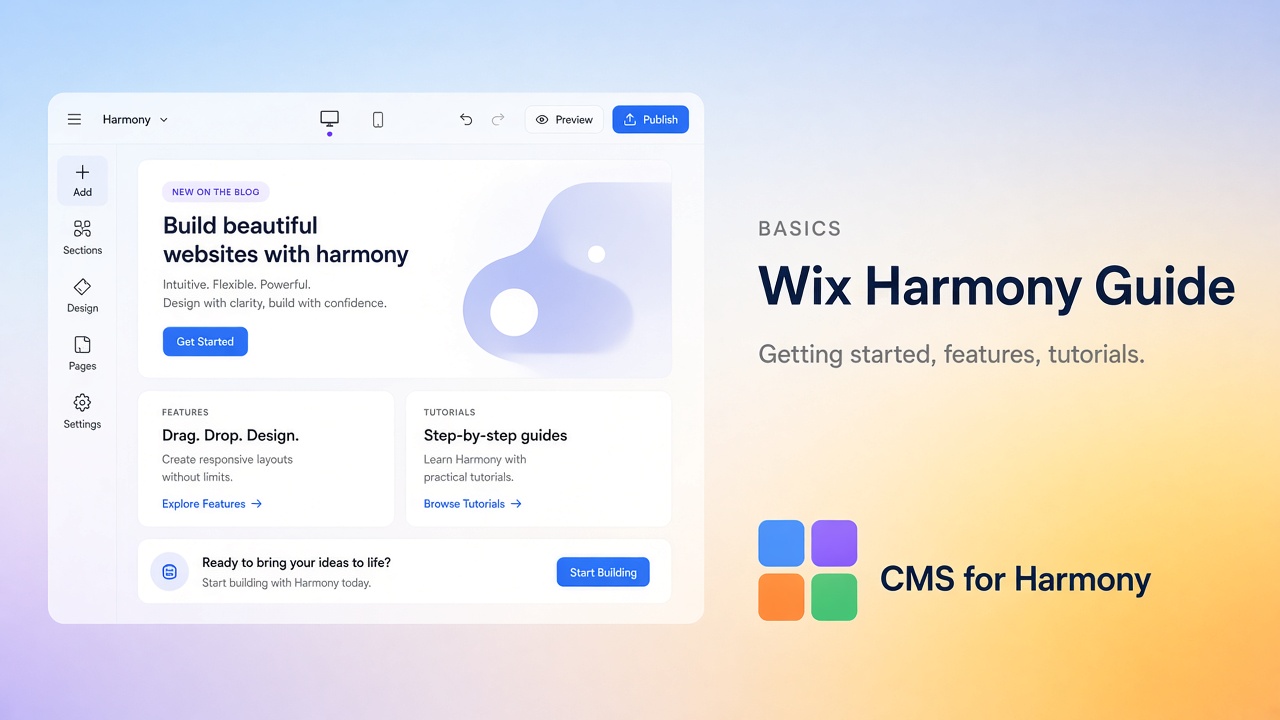
Wix Harmony is Wix’s newer editor for building sites with Aria (the built-in AI assistant) and familiar drag-and-drop. You describe what you want, Aria drafts pages and copy, and you refine the result by hand. Visitors never see which editor you used—only the site you publish.
This guide collects the tutorials we find most useful when you’re choosing Harmony, launching a first site, or deciding whether your project needs a CMS.
CMS for Harmony is a separate App Market app. Despite the name, it works on Editor, Studio, and Harmony. It adds display widgets (tables, filtered lists, calendars, forms, and more). It does not connect CMS fields to native Text, Image, or Button elements.
Start here
| If you… | Read |
|---|---|
| Haven’t picked an editor yet | Harmony vs Editor vs Studio |
| Want a first site from scratch | Build and publish your first website |
| Prefer a blank Harmony project quickly | Get a free starter site |
| Need to know what Harmony can’t do yet | Harmony limitations |
| Care about Google and indexing | Harmony SEO checklist |
| Want better results from Aria | Better Harmony prompts |
How Harmony actually feels to use
Harmony is not “type one prompt and you’re done.” Aria can generate a homepage, rewrite a section, or suggest layouts, but the useful sites still get a human pass: real photos, accurate claims, and a clear offer.
A few practical notes from building on Harmony:
- Sites are responsive by default. Still open mobile view before you publish—spacing and button sizes often need a tweak.
- You can ask Aria for help, or ignore AI and edit manually. Most people mix both.
- You cannot move a finished Harmony site into the classic Editor or Studio (or the other way around). Pick the editor knowing that choice sticks for that site.
- Harmony is aimed at builders who don’t need custom site code (Velo). If you already depend on code, datasets-heavy Studio workflows, or agency collaboration tools, Studio is usually the safer home.
When your content is a repeating list—team members, listings, products, events—jump to the Wix CMS Guide. That’s where search bars, category filters, and directories live.
Guides worth bookmarking
Choosing and evaluating
- Wix Harmony vs Wix Editor vs Wix Studio — brochure, portfolio, directory, and content-heavy examples
- Wix Harmony limitations — what to verify before a rebuild
- Wix Harmony CMS limitations — CMS gaps and workarounds
Building
After launch
Free starter site
If you want a blank Harmony site to experiment on, use our free starter site flow. Enter the email on your Wix account, create the site, then accept the co-owner invite in your inbox.
Product docs
For exact panel labels in CMS for Harmony: Getting started, Search & filters, FAQ, and the full docs.