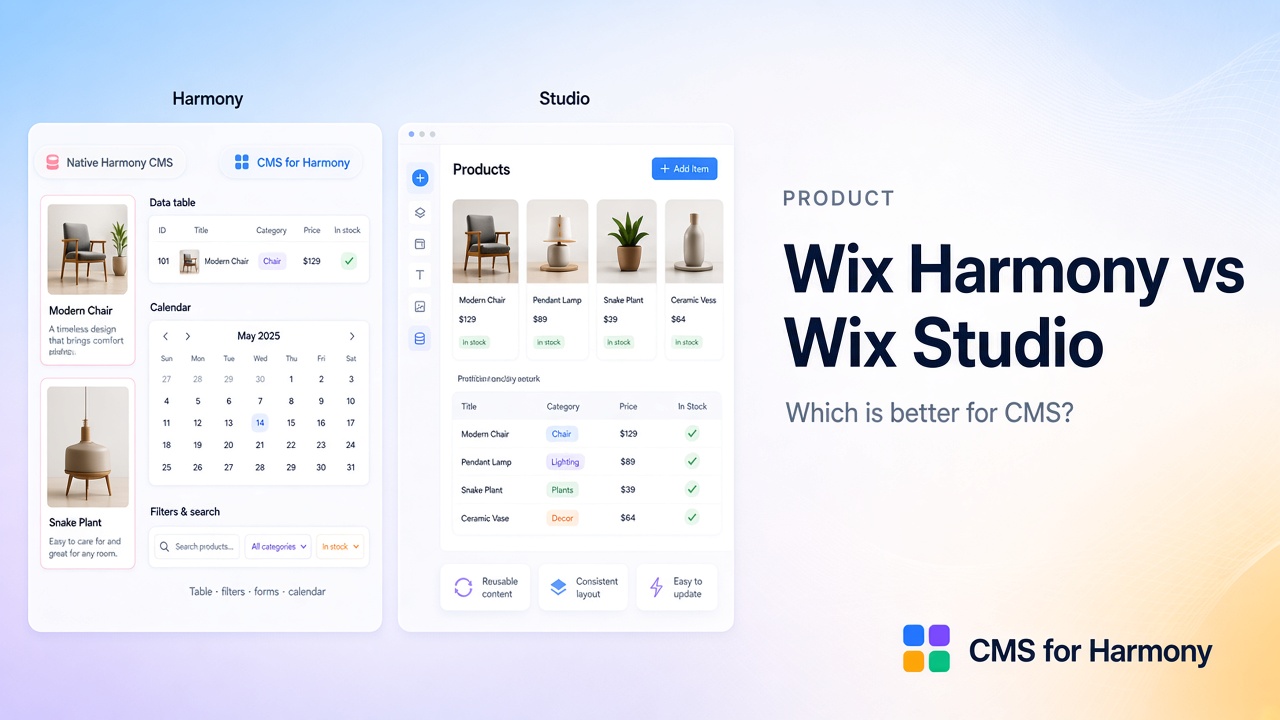
Pick the Wix editor for the kind of site and workflow you need—not because an app’s name mentions Harmony. Wix Harmony, the classic Wix Editor, and Wix Studio can all ship professional sites. Visitors won’t know which editor you used.
CMS for Harmony (our App Market app) runs on all three. Editor and Studio users shouldn’t skip it just because of the name.
Trying Harmony? Get a free starter site. Overview: Wix Harmony Guide.
Quick chooser
| Choose… | When… |
|---|---|
| Wix Harmony | You want Aria (chatty AI) plus drag-and-drop, auto-responsive layouts, and a new site that doesn’t need custom code |
| Wix Editor (Classic) | You already know it, the site already lives there, or you want the long-standing app and template ecosystem |
| Wix Studio | You need precise responsive control, team collaboration, mature CMS/datasets, or custom code (Velo) |
| Any + CMS for Harmony | You want visitor search/filters, tables, calendars, collection forms, or Pro Sheets/payments with the same widgets everywhere |
Important: you cannot migrate a finished site between Harmony and Editor/Studio. Create the site on the editor you intend to keep.
Compare by project type
Brochure / small business site
All three editors work. Harmony shines when you want Aria to draft the first homepage quickly, then you clean up the copy. Editor is fine if that’s where you’re already comfortable. Studio can feel like more tool than you need for a five-page brochure.
Portfolio
Again, all three work. Harmony’s image-led drafts are a nice start. When the portfolio turns into dozens of projects with categories, plan a CMS early (CMS guide).
Directory with search and filters
This is where editor differences show up.
- Studio / Editor: You can connect dropdowns and other inputs to a dataset so visitors filter a repeater without code. Keyword search that updates as people type often needs a bit of Velo—or an app that ships the search UI for you.
- Harmony: Native CMS lists are simpler; visitor filter controls on one connected list are limited today. Many builders use CMS for Harmony’s search and filters on a Repeater or Table instead of maintaining several duplicate lists.
Walkthrough: searchable directory.
Content-heavy / large CMS
Studio (or a mature Editor CMS setup) is usually the safer default for big collections, dataset logic, and teams that already ship that way. Harmony can host content-driven sites, but confirm limitations and CMS limitations before promising a migrate date.
How the editors differ in practice
Wix Editor — The classic left-panel builder. Huge ecosystem. AI tools exist, but not the freeform Aria chat that Harmony centers on.
Wix Studio — Built for designers and agencies: breakpoints, collaboration, and a mature CMS with datasets and dynamic pages. Best when you need that depth—or custom code.
Wix Harmony — Cleaner canvas, action bar on selection, and Ask Aria for building and editing in conversation. Aimed at self-creators who want AI help without maintaining site code. See Wix’s Harmony overview.
Where CMS for Harmony fits
| Capability | Notes |
|---|---|
| Editors | Classic Editor, Studio, and Harmony |
| Search & filters | Table, Repeater, Calendar, Media Gallery, Slideshow |
| Layouts | Table, Repeater, Slideshow, Media Gallery, Calendar, Dynamic Page, Form |
| Pro extras | Catalog payments; Form pay-on-submit; Google Sheets |
It does not replace Studio datasets, and it does not bind Harmony’s native Text/Image/Button elements to CMS fields.
A simple decision flow
- Choose the editor for design workflow, team needs, and existing site location.
- Use native CMS when that editor’s built-in path is enough.
- Add CMS for Harmony when you want shared widgets—especially visitor search/filters—across editors.
- On Harmony, validate limitations before a rebuild.
FAQ
Does CMS for Harmony work on Editor and Studio?
Yes.
Is Harmony “better” than Studio?
Neither is universally better. Studio wins for mature CMS/code/agency workflows. Harmony wins for Aria-assisted building on new no-code sites.
Can I move Studio → Harmony easily?
No. Plan a rebuild.