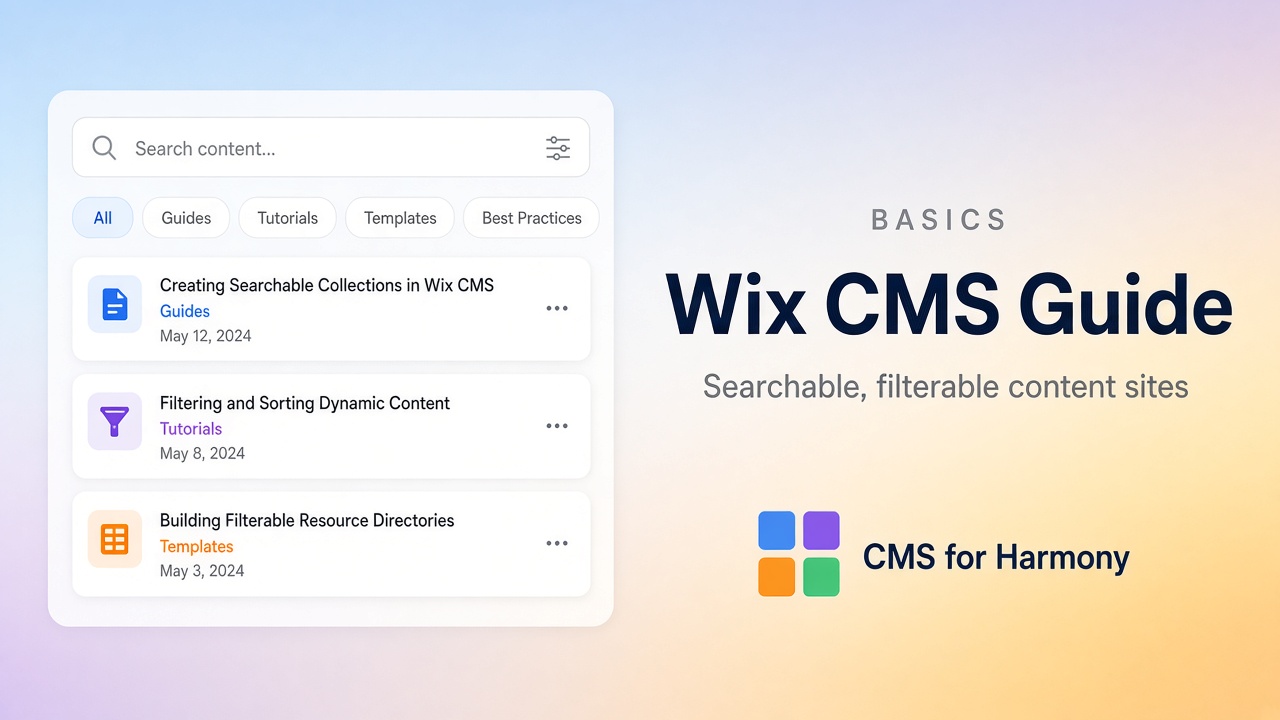
If visitors need to find the right item in a long list—people, products, properties, resources—you’re in CMS territory. Static pages don’t scale well past a handful of entries. A collection plus a searchable, filterable display does.
This guide points you to the tutorials for the jobs people ask for most. It works whether you’re on Wix Editor, Studio, or Harmony.
CMS for Harmony is named for Harmony but installs on all three editors. It adds widgets with built-in search and filter controls. On Studio and Editor you also have native dataset filters for many category-style dropdowns; keyword search that updates as people type often needs code—or an app that ships the search UI.
What should visitors be able to do?
| Goal | Guide |
|---|---|
| Type a keyword to narrow a list | Add a search bar |
| Browse by category or tag | Category filters on a Repeater |
| Use search and several filters together | Combine search and filters |
| Scan a dense inventory | Searchable table |
| Ship a full directory | Searchable directory without coding |
| See every filter option in one place | Search and filters overview |
Native tools vs CMS for Harmony
| Need | Native (Studio / Editor) | Native Harmony | CMS for Harmony |
|---|---|---|---|
| Card or list from a collection | Dataset + Repeater | Connected Repeater | App Repeater |
| Category dropdown / chips | Input elements on a dataset (no code for many cases) | Limited visitor filters on one list | Show filters in the widget panel |
| Keyword search box | Often needs Velo, or workarounds | Not available the same way | Show search bar |
| Spreadsheet-style table | Custom / limited | Limited | Table widget |
| Site-wide page search | Wix site search | Wix site search | Different problem (pages ≠ collection items) |
Harmony CMS gaps: Wix Harmony CMS limitations. The app uses widgets only—it doesn’t bind native Text, Image, or Button elements to fields.
Guides
- How to Add a Search Bar to Wix CMS Content
- How to Add Category Filters to a Wix Repeater
- How to Combine Search and Multiple Filters in Wix CMS
- How to Create a Searchable Table in Wix
- How to Build a Searchable Directory in Wix Without Coding
Also useful: Search and filters overview and the Search & filters docs for panel labels.
Site search vs CMS search
Site search looks across pages. CMS search looks inside one collection display—names, cities, product titles, and so on. A directory almost always needs CMS search (and usually filters), not only site search. Details in the search bar guide.