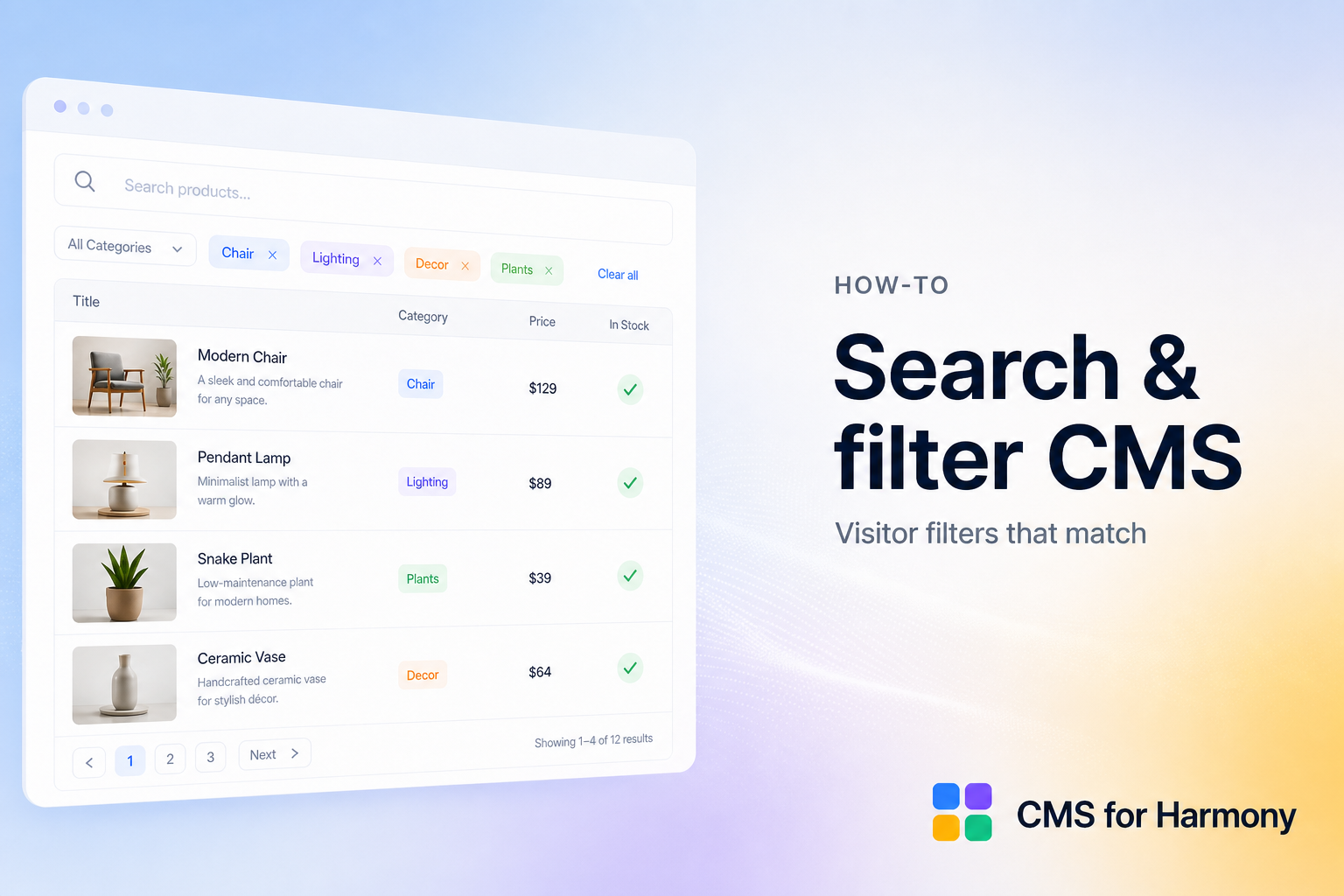
Visitor search and filters keep large CMS lists usable: type a name, pick a category, narrow by price or date. This page is the map—what’s possible, which widgets support it, and which focused tutorial to open next.
Works on Editor, Studio, and Harmony. CMS for Harmony runs on all three; the name does not mean Harmony-only.
Start from goals: Wix CMS Guide.
Pick the guide that matches your job
| Your question | Go here |
|---|---|
| Keyword search on collection items (not site search) | Add a search bar |
| Category or tag browsing on cards | Category filters on a Repeater |
| Search + several filters + ranges | Combine search and filters |
| Dense searchable inventory | Searchable table |
| Full directory project | Searchable directory |
| Exact panel labels | Search & filters documentation |
Native vs app
| Editor | Native visitor filters | CMS for Harmony |
|---|---|---|
| Studio / Editor | Dataset + input elements for many category filters; live keyword search often needs Velo | Same Table / Repeater toolkit with built-in search UI |
| Harmony | Limited visitor filters on one native list today | Search & filters on supported widgets |
Harmony gaps: CMS limitations. App = widgets only (not native Text/Image/Button binding).
Widgets that support search & filters
| Widget | Search / filters |
|---|---|
| Table | Yes |
| Repeater | Yes |
| Calendar | Yes — search uses Title and Details |
| Media Gallery | Yes |
| Slideshow | Yes — search uses Title / Text / Button label when mapped |
| Dynamic Page | No visitor search/filters |
| Form | N/A |
Setup overview (app)
- Connect a supported display to a collection (or Pro Sheets where allowed).
- Open Search & filters.
- Enable Show search bar and/or Show filters.
- Add filters with the right match condition (equals, contains, ranges, and so on).
- Use Show filter for visitor UI, or Choose value for a hidden always-on rule.
- Set Filters display to Top or Side.
- Publish and test as a visitor.
Modes that matter
| Mode | When to use |
|---|---|
| Show filter | Visitors pick category, city, color, price range |
| Choose value | Always apply a fixed match with no UI |
| Ranges | Dates and numbers |
| Color swatches | Color fields on catalogs |
| Reference filters | Related collections with a Display field for labels |
Common setups
| Use case | Typical widgets + filters |
|---|---|
| Team directory | Repeater or Table by department / role |
| Real estate | Repeater by city and price range |
| Product catalog | Repeater/Table + Color swatches + category |
| Events | Calendar + date filters |
| Portfolio | Media Gallery or Slideshow by type |
Industry examples: searchable directory, real estate, team directory.
Plan notes
Search & filters on supported displays are part of the core app surface (not Pro-gated like payments or Sheets). Pro Sheets connections can still use search/filters where those widgets support them.
FAQ
Can I add filters without code?
Yes—native Studio/Editor dataset inputs for many category filters, or CMS for Harmony Search & filters on a supported widget.
Does native Harmony support visitor filters?
Not as full visitor inputs on one list today.
Does the app work on Editor and Studio?
Yes.