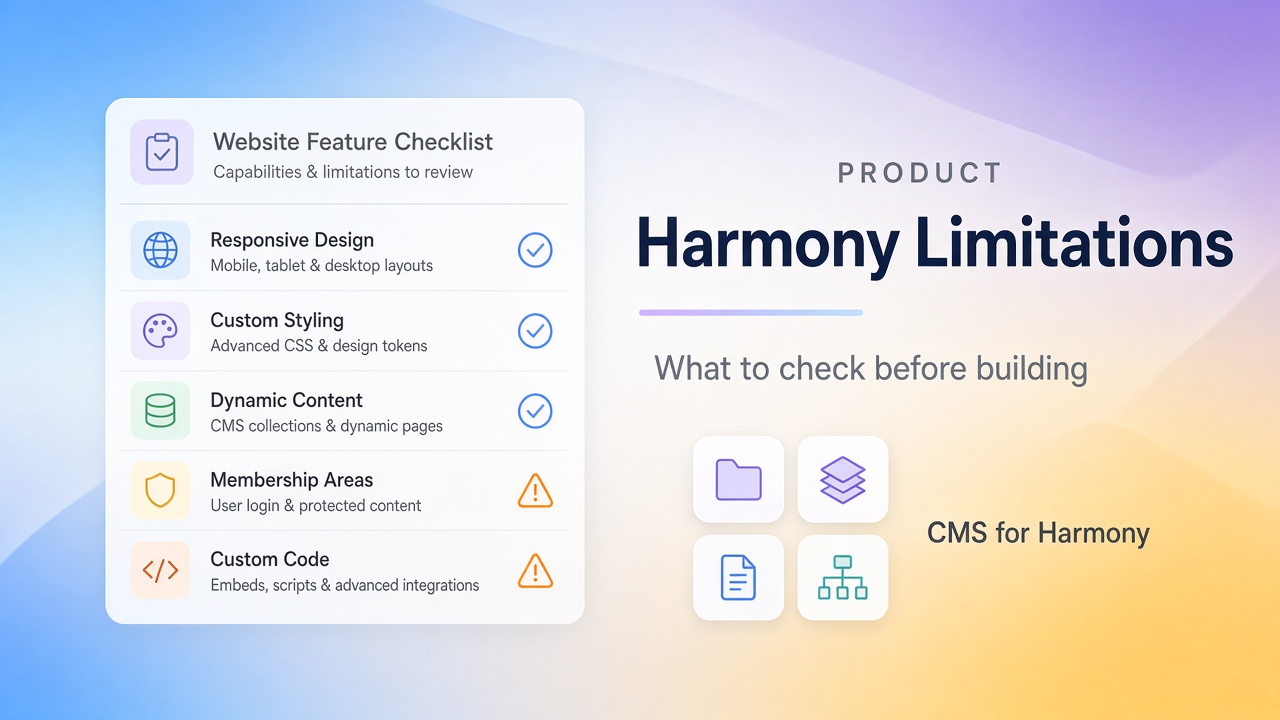
Harmony is a strong fit for many brochure and small-business sites, but it is not a drop-in twin of the classic Editor or Studio. Check the rows below before you rebuild a client site or promise a delivery date.
Harmony changes as Wix ships updates. Re-check anything critical in your own account. CMS-specific gaps are covered in more detail in Wix Harmony CMS limitations.
Want a sandbox? Get a free starter site and try the flows yourself.
How to read this checklist
| Column | Meaning |
|---|---|
| Native | Built into Harmony |
| Apps / add-ons | App Market or Wix business apps (including CMS for Harmony where noted) |
| Notes | Workarounds or “stay on another editor” advice |
Capability checklist
| Capability | Native Harmony | Apps / add-ons | Notes |
|---|---|---|---|
| Prompt + drag-and-drop with Aria | Yes | — | Review AI copy and images before publish |
| Auto-responsive layouts + mobile tweaks | Yes | — | Still preview mobile before launch |
| Brochure / portfolio sites | Yes | — | Strong default use case |
| Custom site code (Velo / page & backend code) | No | — | Use Editor or Studio if you need code |
| Custom CSS, routers, data hooks, scheduled jobs | No | — | Developer features stay on Studio/Editor |
| Move site to Editor or Studio later | No | — | Create a new site on the other editor instead |
| Move an existing Editor/Studio site into Harmony | No | — | Plan a rebuild, not a one-click migrate |
| Built-in CMS lists & item pages | Yes (evolving) | — | Simple connected lists; confirm your field needs |
| Visitor search/filters on one CMS list | Limited / missing | CMS for Harmony on Table, Repeater, and more | Or maintain separate native lists |
| Spreadsheet-style CMS table | Limited | Table widget | Useful for directories and inventories |
| Month/week CMS calendar | No dedicated layout | Calendar widget | Map DATE / DATETIME fields |
| Forms that save into a collection | Limited native path | Form widget | Or Wix Forms for general capture |
| Sell CMS items via cart checkout | No native CMS checkout | CMS for Harmony payments (Pro) | Live site only |
| Google Sheets as a live list source | No | External databases (Pro) | Not for Form or Dynamic Page |
| Same filtered widgets on Editor & Studio | — | CMS for Harmony | App name ≠ Harmony-only |
CMS for Harmony = app widgets only. “Cards” in the app means a Repeater layout, not a separate widget.
Quick project fit
| Project | Usually fine on Harmony? | Watch for |
|---|---|---|
| Local service brochure | Yes | Honest copy after Aria’s draft |
| Photographer / studio portfolio | Yes | Growing galleries may need a CMS later |
| Member or vendor directory with filters | Only with a plan | Native filters are limited—see CMS guide |
| Large Studio CMS site with datasets & code | Often better to stay | Rebuild cost + no code on Harmony |
| Agency collaboration / client handoff at scale | Often Studio | Studio’s team and responsive tooling |
Decide before you rebuild
Harmony is a good bet when you want Aria plus manual editing, the site is mostly marketing pages, and you’re comfortable adding apps for filters, tables, or forms if those show up later.
Pause or stay on Editor/Studio when you need Velo, complex dataset pipelines you already rely on, Blocks apps that don’t run on Harmony, or a guaranteed migrate path between editors.
FAQ
Can I convert my Studio site to Harmony?
Not as a faithful automatic migration. Expect to rebuild layouts and CMS connections. App widgets can cover some display needs, but they don’t import Studio datasets.
Does “CMS for Harmony” only work on Harmony?
No. The same widgets run on classic Editor, Studio, and Harmony.
Where are the CMS-only details?
Wix Harmony CMS limitations and Native Harmony CMS vs CMS for Harmony.