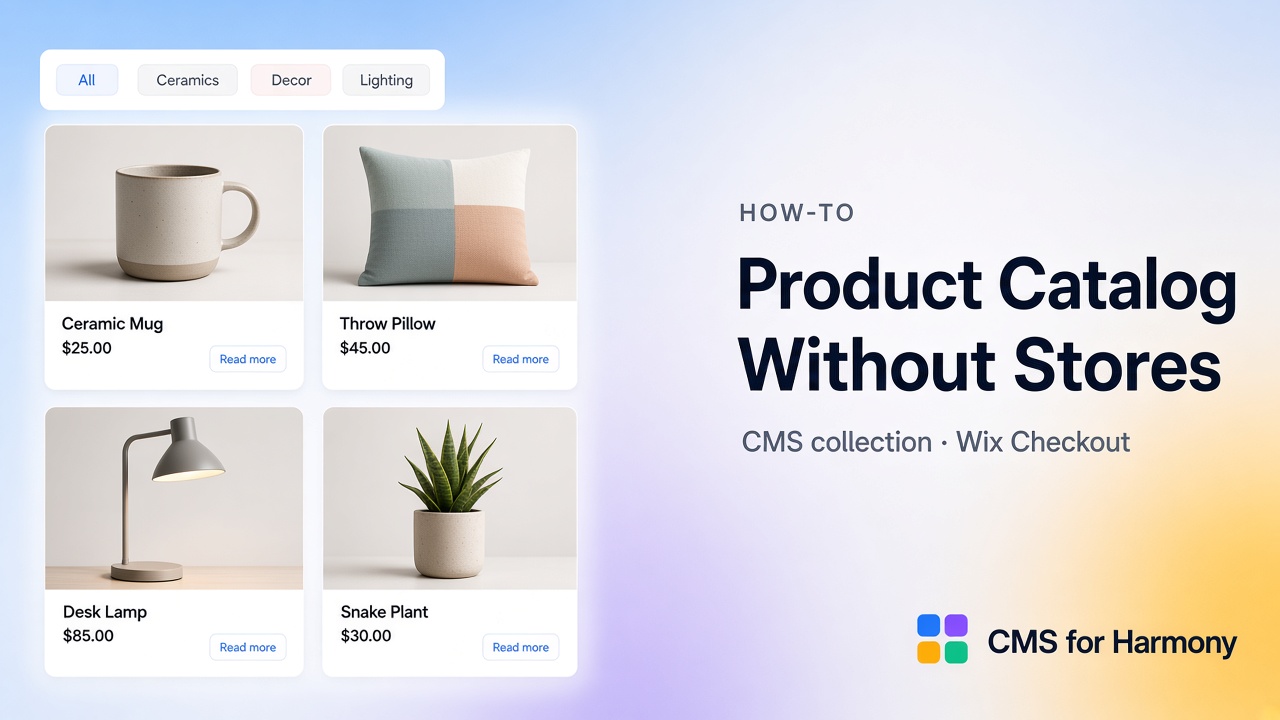
You can create a product catalog without building a full Wix Stores product catalog by modeling items in a CMS collection and displaying them with CMS for Harmony widgets (Repeater, Table, Media Gallery, Slideshow, Dynamic Page). On Pro, Enable payments adds Add to cart / Buy now through Wix Checkout while items stay in CMS. This is ideal for curated catalogs, digital goods lists, and simple product grids—not a drop-in replacement for every Stores inventory and shipping workflow.
When a CMS catalog beats full Stores
| Use a CMS catalog when… | Prefer Wix Stores when… |
|---|---|
| Products are content-like rows you already manage in CMS | You need full Stores catalog, inventory apps, and Stores-first workflows |
| You want filters, Table, or custom card layouts via app widgets | You rely on Stores category pages and native Stores gallery patterns |
| Checkout via Wix cart is enough for Name/Price items | You need advanced Stores merchandising and connected Wix apps that expect Stores products |
Related: Sell CMS items through Wix Checkout.
Step 1 — Model the Products collection
Fields typically include:
- Name (required for payments)
- Price (number; required for payments)
- Description, Image, optional Quantity
- Category, tags, Color, gallery images as needed
Add sample products.
Step 2 — Display the catalog
- Add Repeater for card grids (“cards” = Repeater layout) or Table for dense lists.
- Connect Products; map Name, Price, Image, Description.
- Optionally add Media Gallery or Slideshow for visual merchandising.
- Enable search & filters—category, price range, Color swatches, Top/Side layout.
Step 3 — Product detail pages (optional)
- In the collection, choose More actions → Add collection page.
- Add Dynamic Page to that page; map fields and SEO.
- Link cards/rows to item URLs.
See Dynamic Page native vs app.
Step 4 — Enable payments (Pro)
- Collection ⋯ → Enable payments → map Name and Price (optional Description, Image, Quantity).
- On Repeater, Table, Dynamic Page, Media Gallery, or Slideshow → Show payment actions → Add to cart and/or Buy now.
- Set After add to cart behavior.
- Publish; test on the live site.
Step 5 — Keep content and commerce in sync
Editors update CMS fields; displays and payment mappings follow. Remove catalog or edit mapping from the same collection menu when products change shape.
Limitations
- Not a full Wix Stores replacement (inventory depth, Shipping UI, Stores-only apps).
- Calendar has no catalog CTAs; Form pay-on-submit is a different feature.
- Google Sheets cannot use catalog payments.
- App widgets only—no native Text/Image/Button binding.
- Pro required for payment actions.
FAQ
Can I sell products on Wix without Wix Stores?
You can sell CMS-mapped items via CMS for Harmony Pro catalog payments and Wix Checkout. For a full Stores business, use Wix Stores.
Which widgets show the catalog?
Repeater, Table, Media Gallery, Slideshow, and Dynamic Page for detail; payments on those displays (not Calendar).
Do I need Pro just to show products?
No—display widgets work without Pro. Pro unlocks Add to cart / Buy now and Sheets.
Related reading
- Catalog payments · Repeater · Search & filters
- Can You Use a CMS in Wix Harmony?
- About Wix Stores (Wix Help Center)