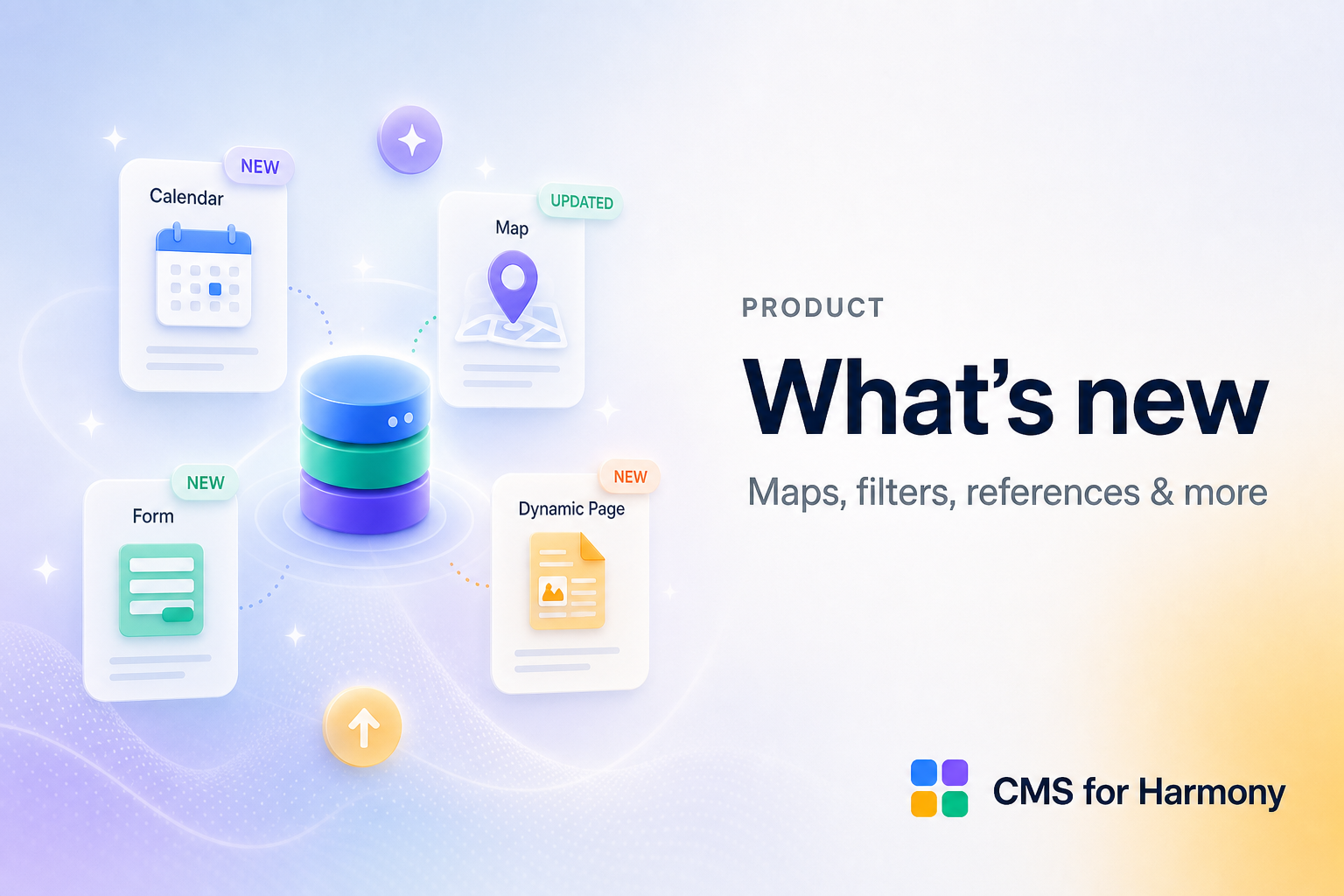
CMS for Harmony ships often. Here is a short tour of recent capabilities; the full list lives on the changelog.
Highlights
- Settings panel overview (v17) — Manual mode opens an overview home with drill-down rows, feature toggles, and a guided setup wizard on new widgets; docs let you switch v17+ vs Before v17 (Settings panel)
- AI setup plan review — Review the plan and Apply N steps before changes apply (AI setup)
- Native dynamic pages — new item pages use More actions → Add collection page. Place the Dynamic Page widget on that page and set Page path and Item slug. The app no longer adds an
/itemSite Page and Make dynamic has been removed; pages already on a site keep working (Dynamic pages) - Form autosave — save as visitors type. Members resume a collection draft; others keep a draft in this browser until submit (Form)
- Repeater card backgrounds — solid color, or an image or video from a collection field on each card (Repeater)
- AI setup — What changed and Not changed after each result, plus one-click Create collection or Add fields (AI setup)
- Advanced fields — Add Media Gallery, Video, Address, Color, Reference, Tags, and other types Harmony’s native picker does not offer (Advanced fields)
- Form multi-step & conditionals — Multi-step form, Show only when, Radio buttons / Checkbox (Form)
- External databases — connect Google Sheets, Airtable, or Notion, then set list widgets to External Database
- Catalog payments & Form pay-on-submit — Wix checkout on displays and forms
Major App Market updates can be manual and one-way — read release notes before upgrading production sites.
Explore Docs or the changelog for version-by-version detail.